Required Internal Space
Record the dimensions of your laptop, notebook or other must-carry item. Ask for the usable opening and internal space.

THE PIKOBUY CATEGORY EDIT
Compare totes, shoulder bags, crossbody bags and backpacks by usable space, opening and carrying options. Check the items you need to carry, then confirm internal dimensions and strap measurements for the selected bag.
24 selected finds · 22 named brand labels · Snapshot 5 Nov 2026
BEFORE YOU SHORTLIST
Record the dimensions of your laptop, notebook or other must-carry item. Ask for the usable opening and internal space.
Check handle drop, strap adjustment and whether straps are removable. A small bag can still sit awkwardly if the strap range is wrong.
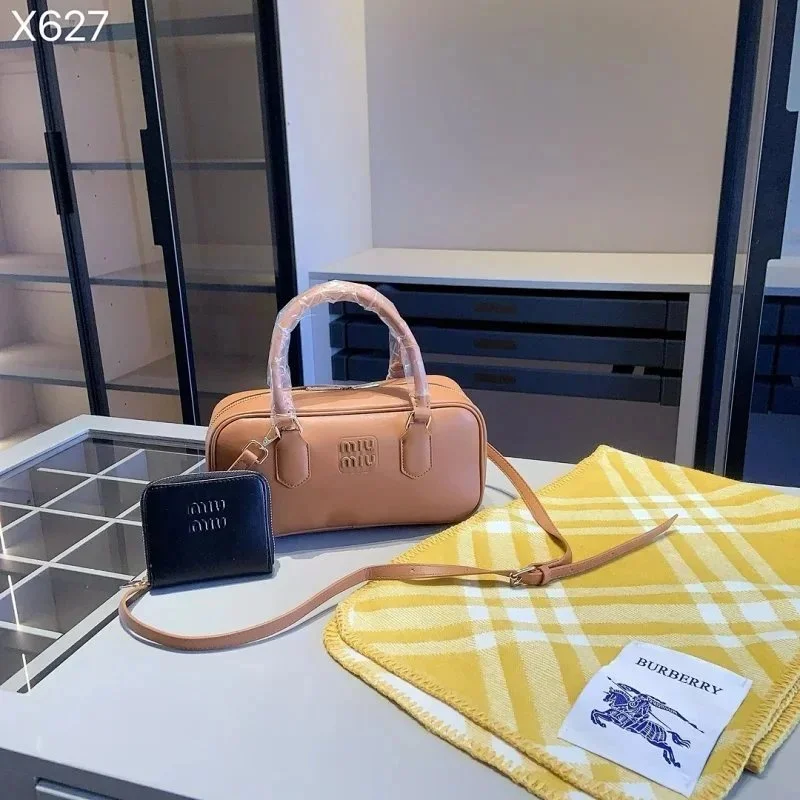
Save the listing’s pouch, strap and accessory details. Do not assume that every piece shown in a styled image is included.
DIFFERENT LABELS. MORE POSSIBILITIES.
Compare the item, its options and the reference price. Open a product for its saved details and available QC images. USD estimates exclude shipping and fees.
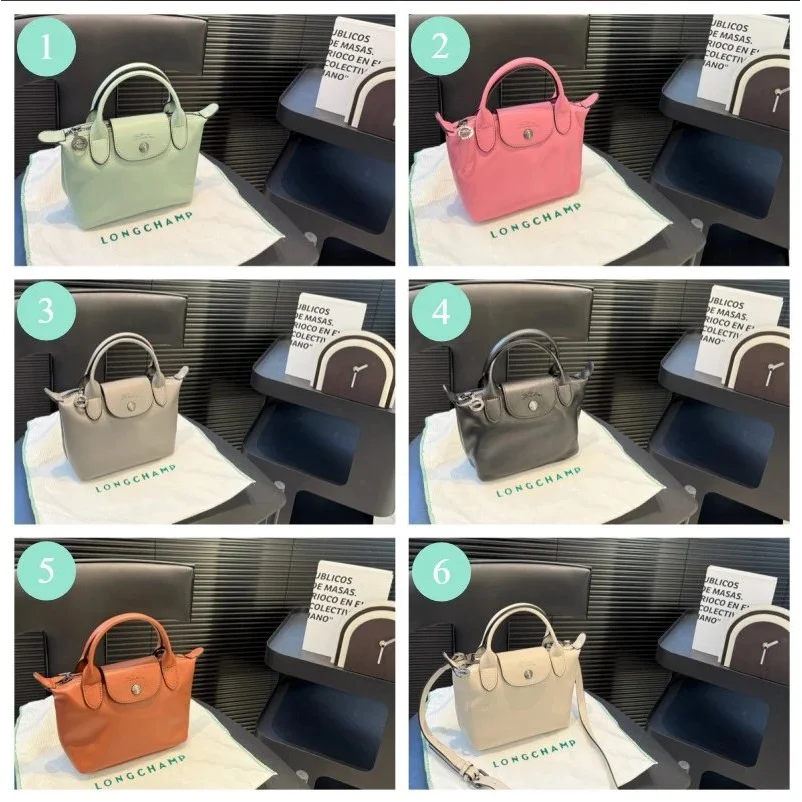 QC reference
 QC reference
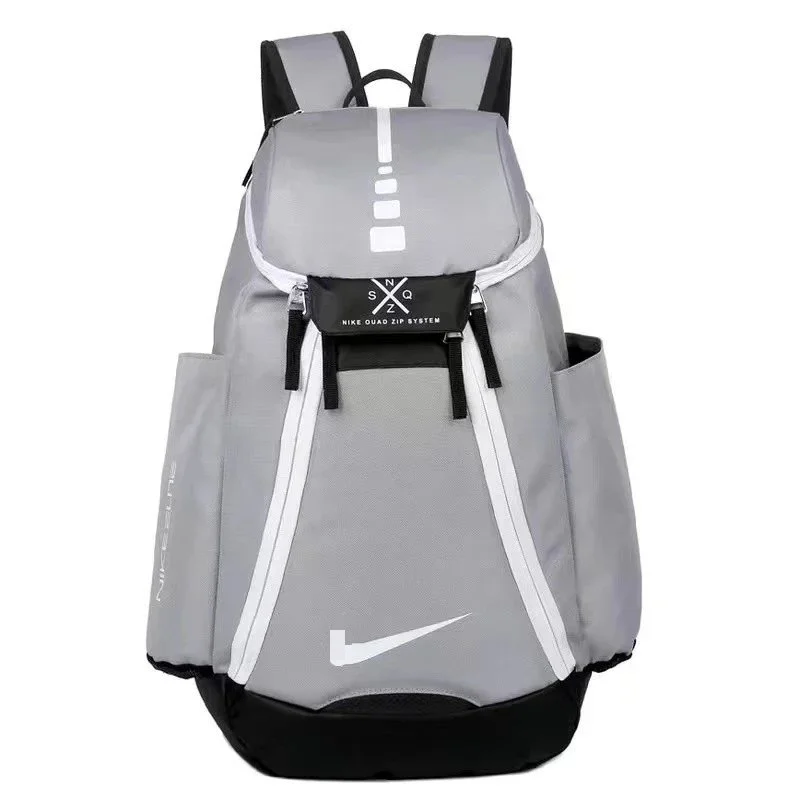 QC reference
 QC reference
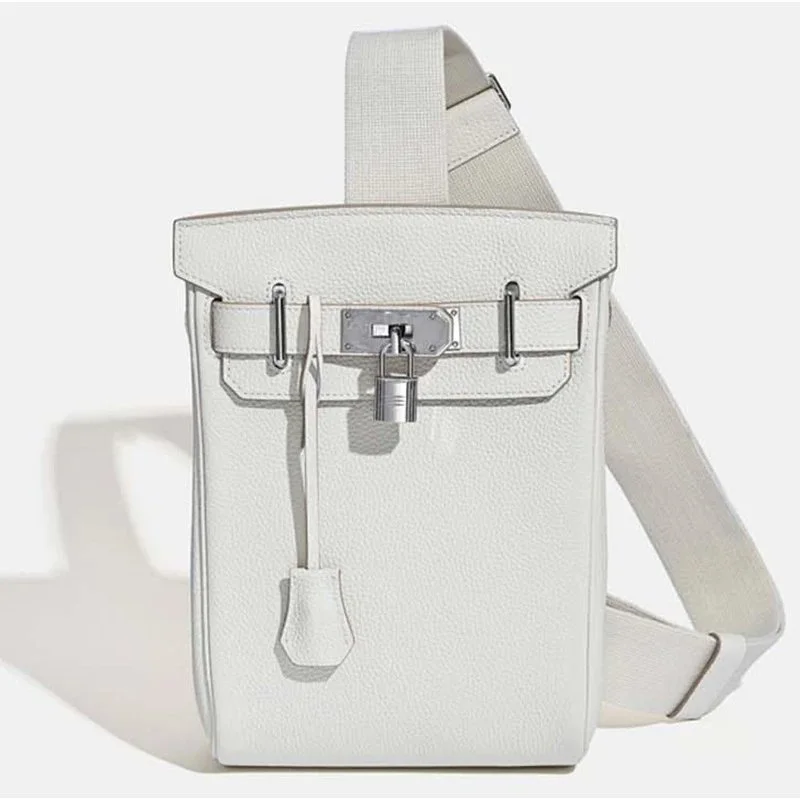 QC reference
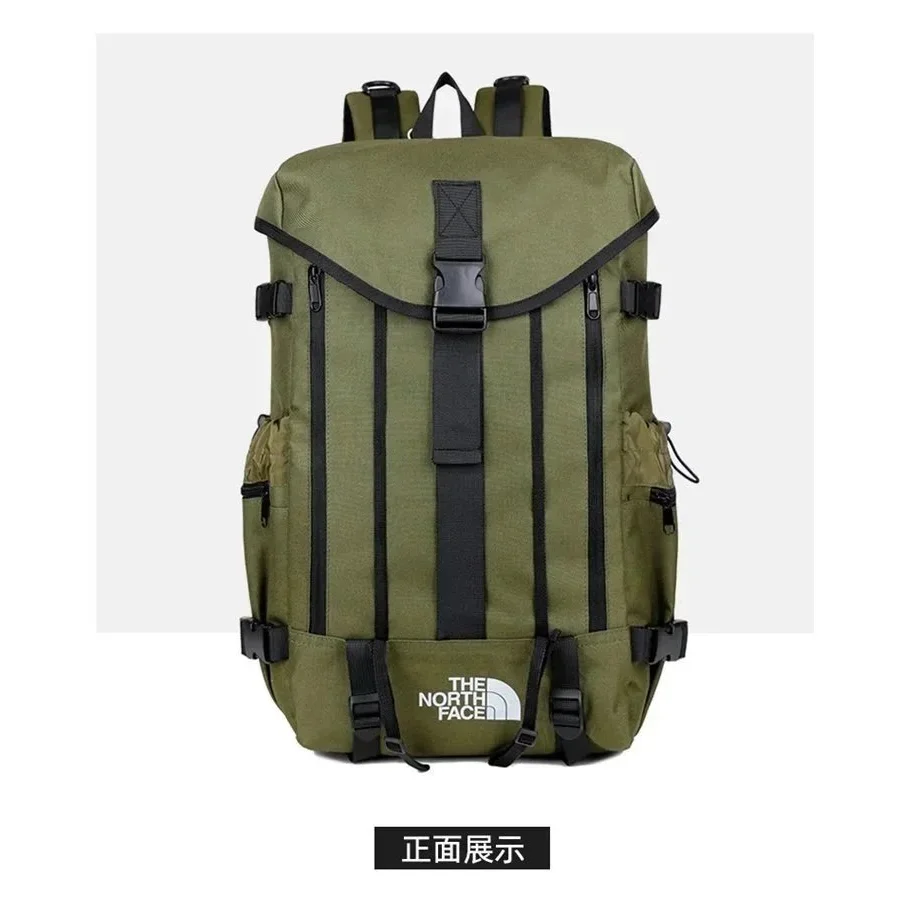 QC reference
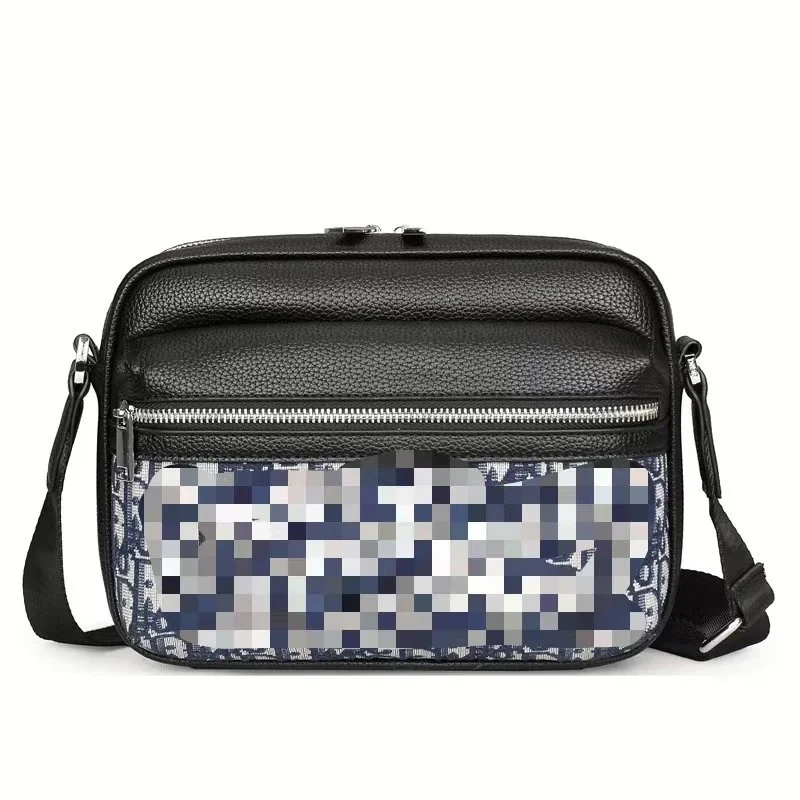 QC reference
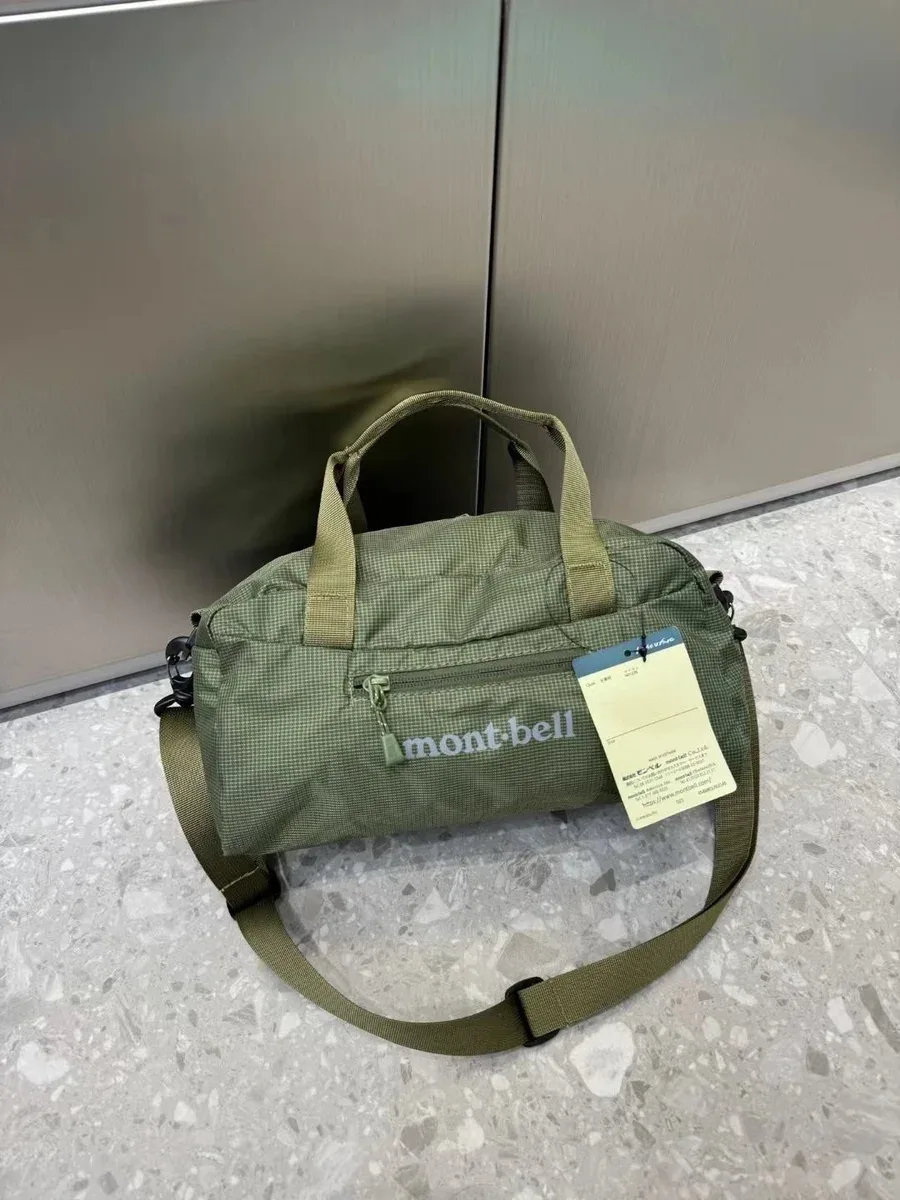 QC reference
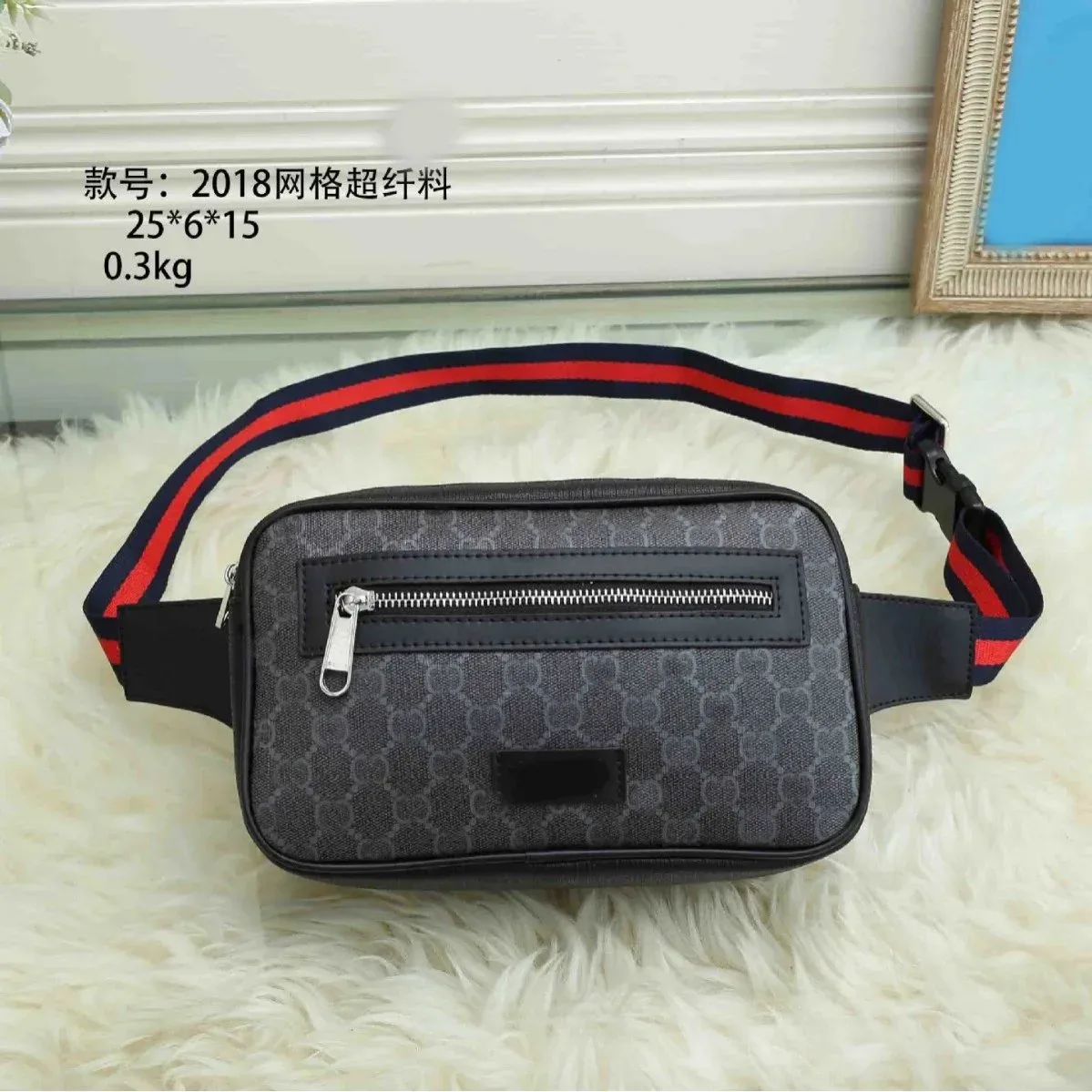 QC reference
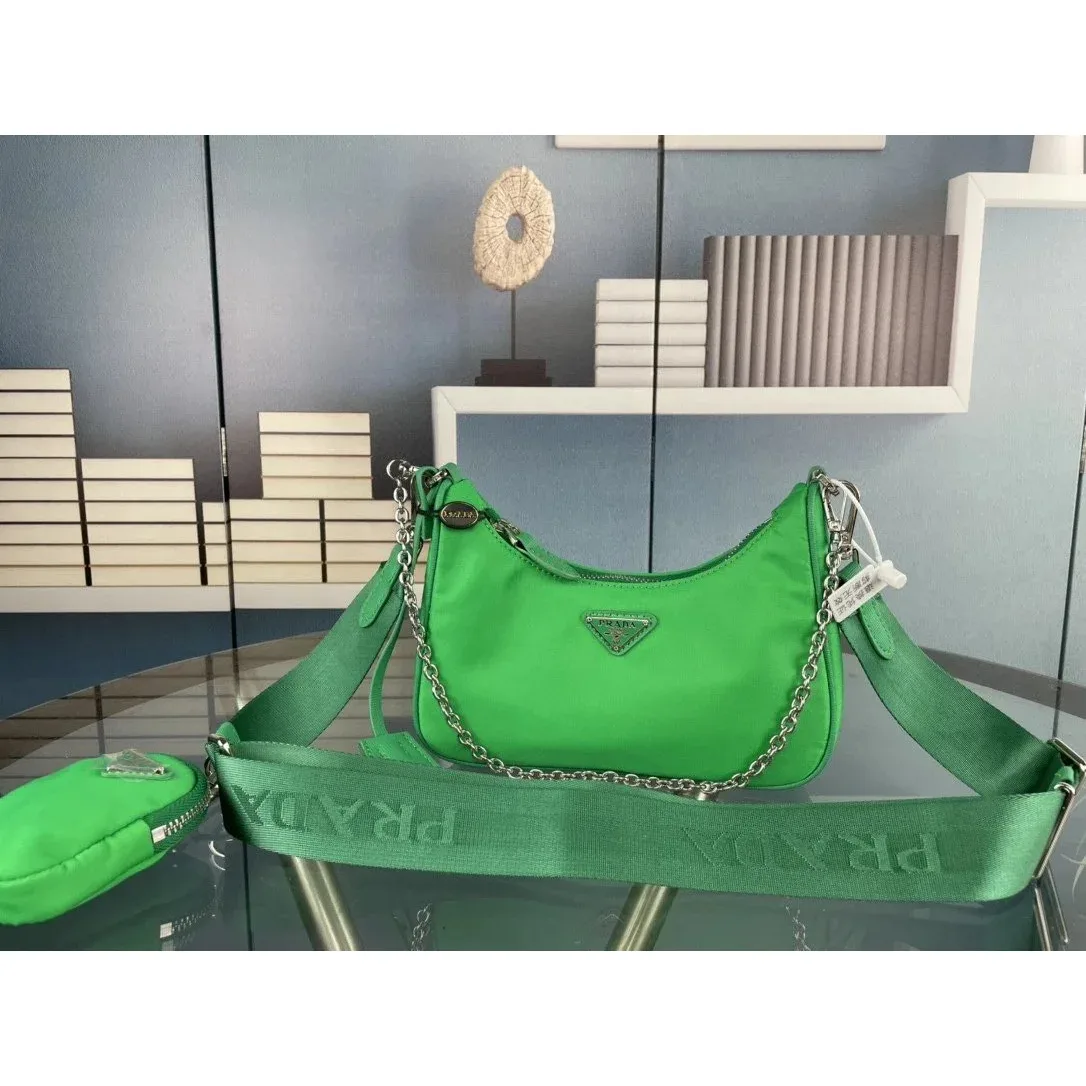
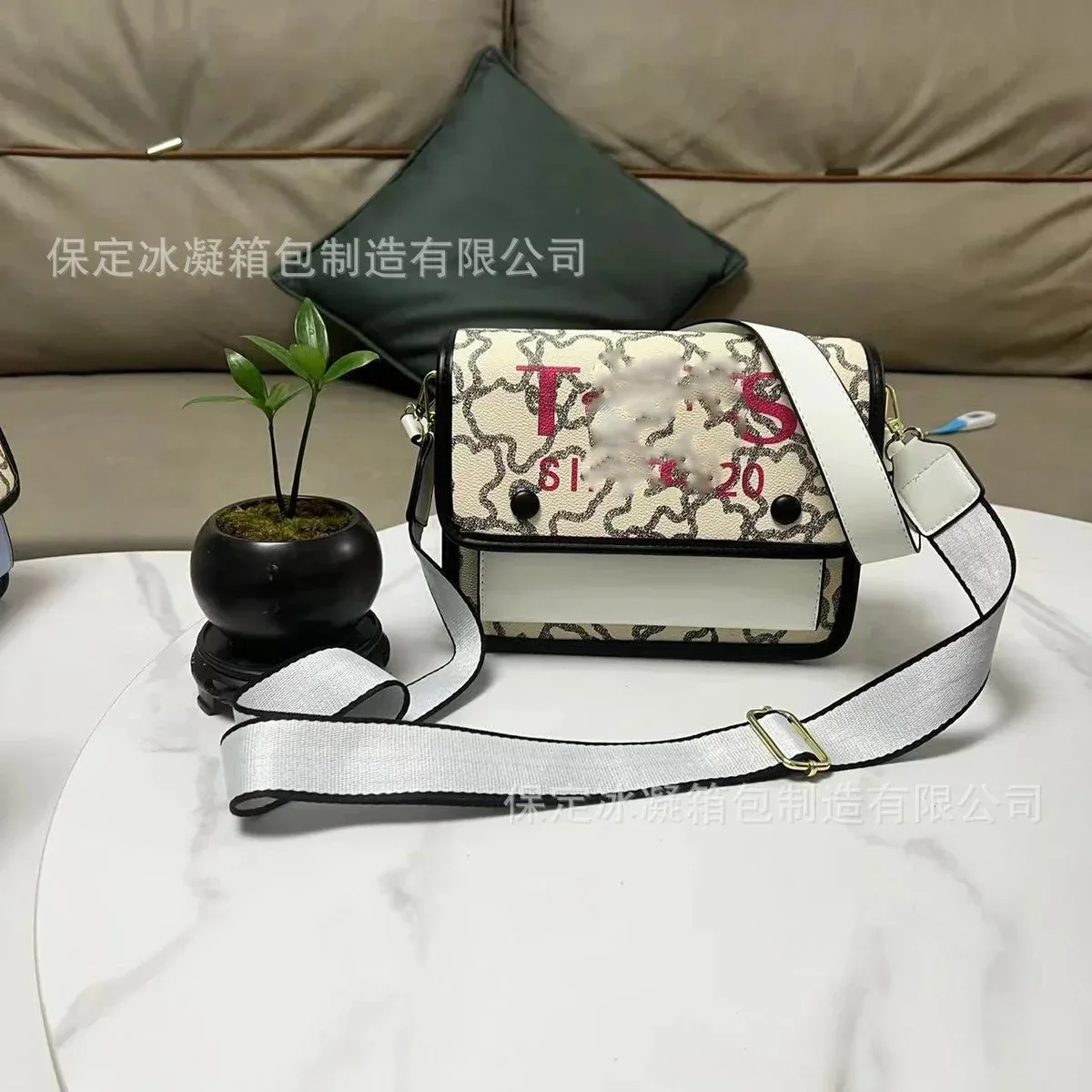 QC reference
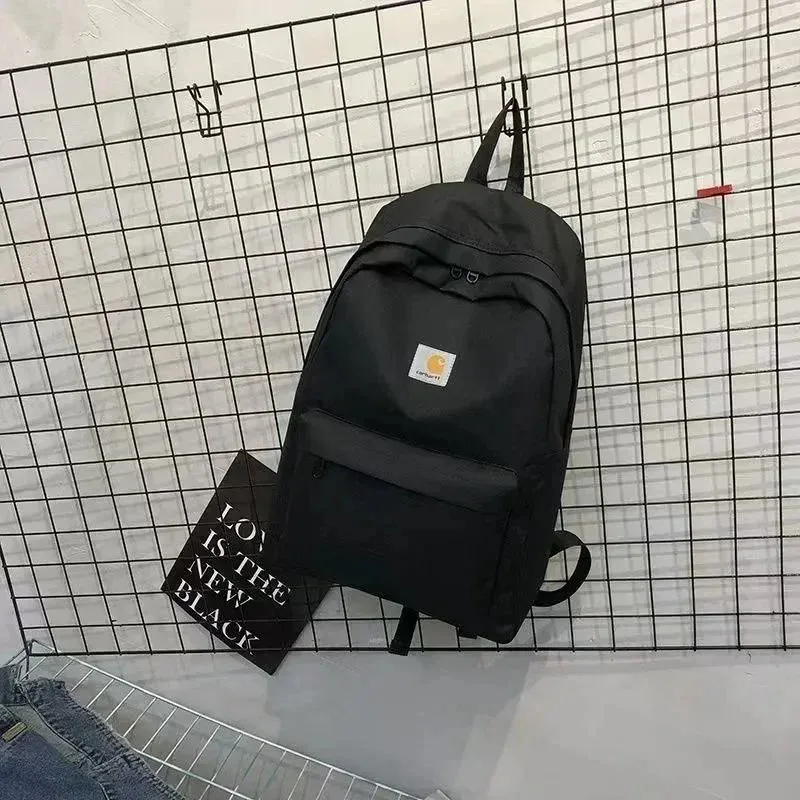 QC reference
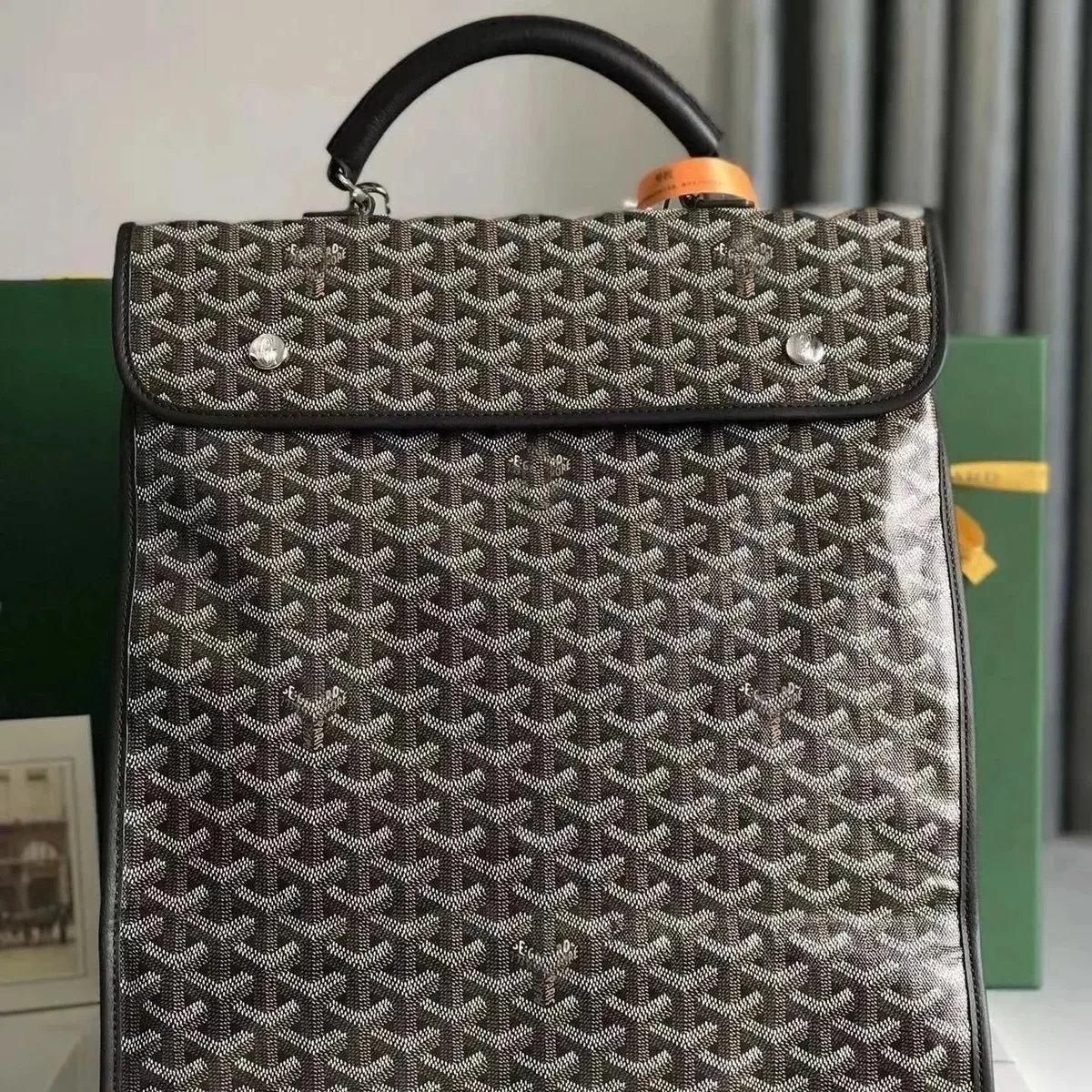 QC reference
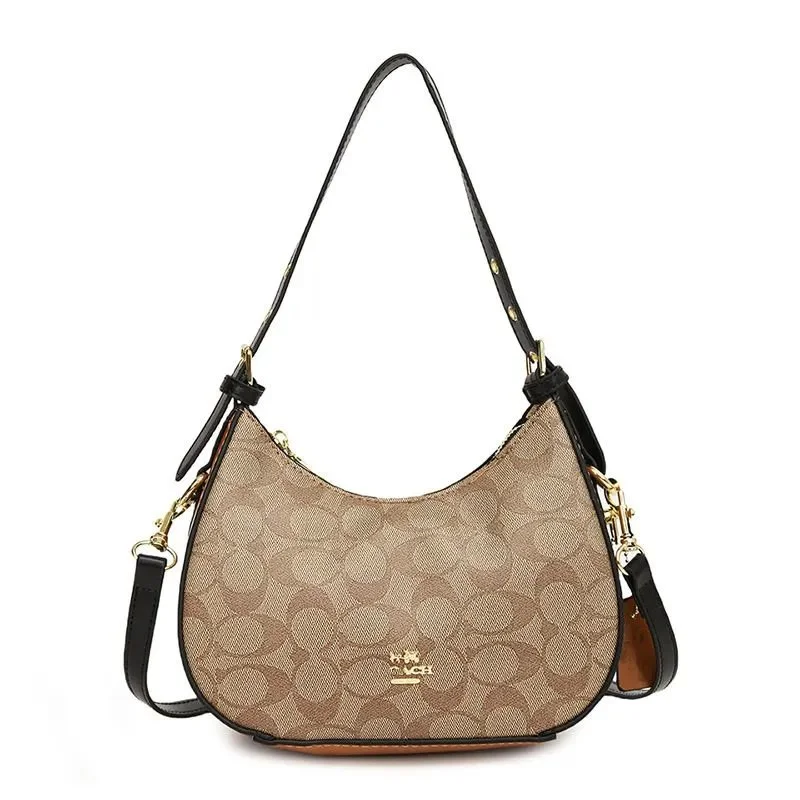 QC reference
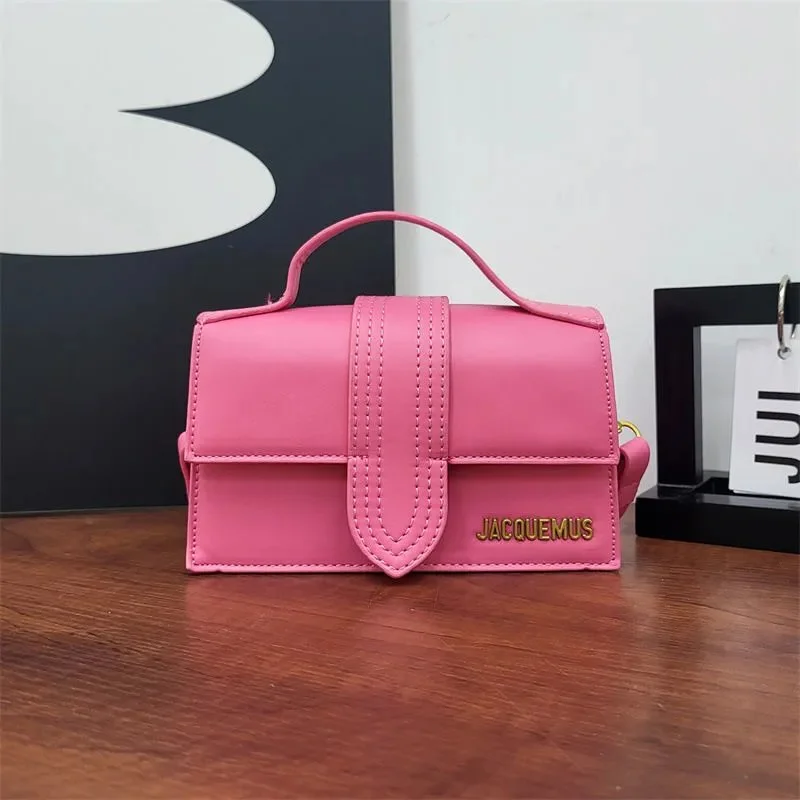 QC reference
 QC reference
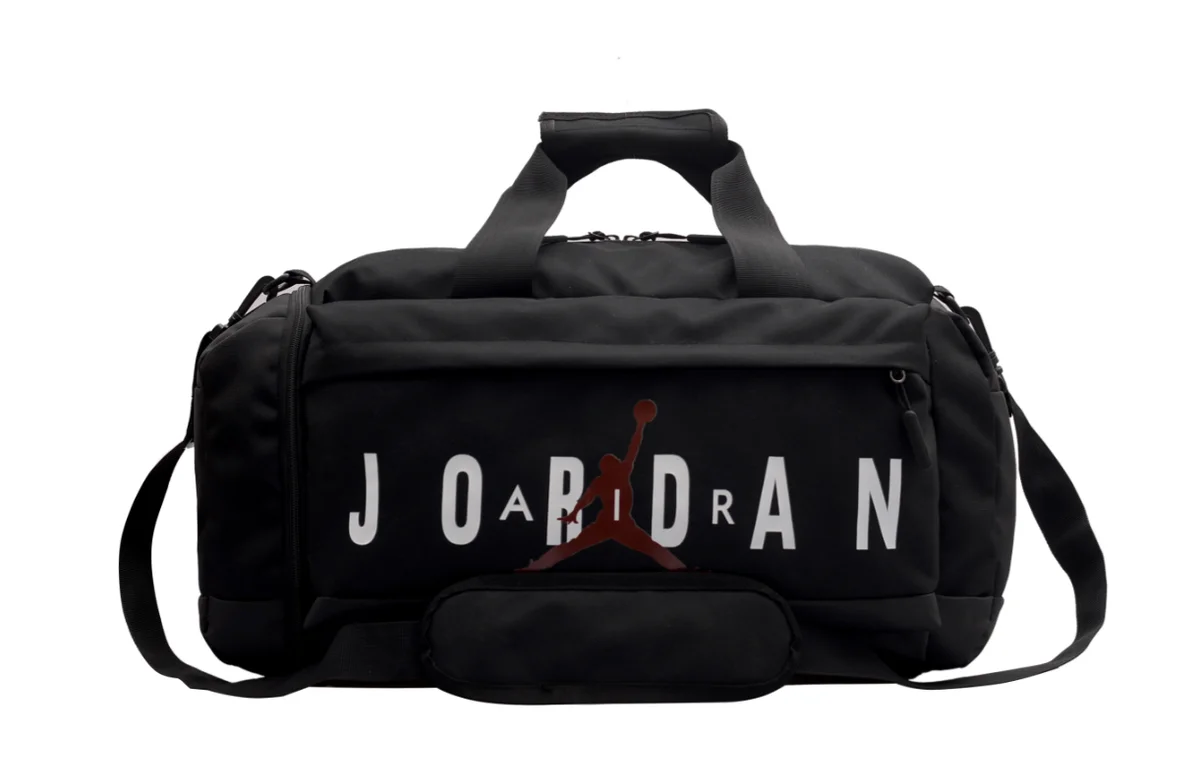 QC reference
 QC reference
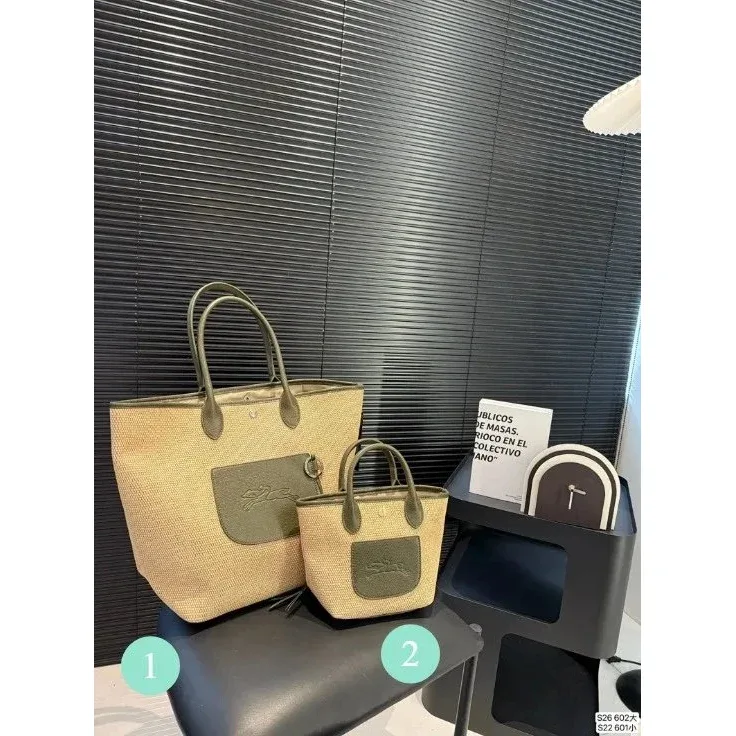 QC reference
 QC reference
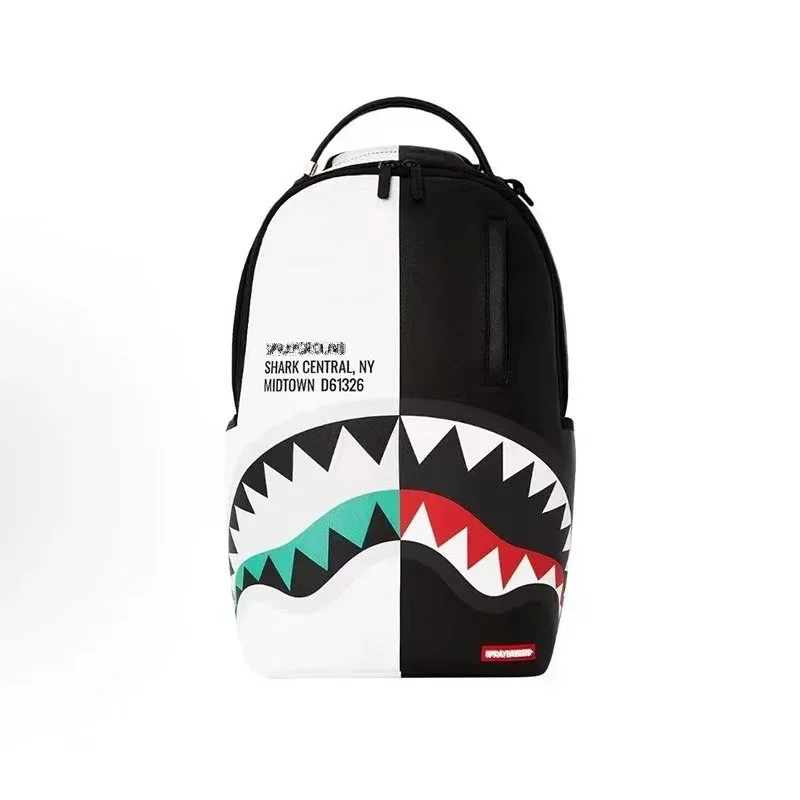 QC reference
 QC reference
 QC reference
 QC reference
Open a product for its saved details, then confirm the selected option and current price on the main site. International shipping and other fees are separate.
Browse more bagsIllustration of comparison points · check the selected item’s specifications
SIZE & SPECIFICATION CHECKS
Compare the bag’s external dimensions, opening and interior separately. External width and height describe the outside shape; they do not establish whether a particular item fits through the opening or inside a compartment.
Confirm where width is measured, such as at the base or widest point. Check whether height excludes handles and whether the bag is measured empty or filled.
Ask for the usable opening and relevant internal compartment dimensions. Compare these with your laptop or other essential item, including its case.
Check handle drop, usable strap length and adjustment range. For a structured backpack with a sized harness, check torso and harness fit separately from the stated capacity.
YOUR ORDER. YOUR CHECK.
Request front, back, base and interior views of your order. Use full-bag images to identify each area, then request close-ups of corners, strap attachments or hardware where a detail is unclear.
Look for visible marks, shape changes or seams that need a closer image.
Compare the attachment points and visible stitching on both sides.
Check the pictured zip, clasp and buckle. Ask for operation to be checked if necessary.
Confirm lining, compartments and each promised strap, pouch or included accessory.
For checks on your own warehouse order, follow the QC inspection guide.
A FEW USEFUL ANSWERS
No. The opening, lining, padding and internal compartment can reduce usable space. Compare your laptop and case with the usable opening and compartment dimensions.
Capacity describes volume. Also check the bag’s dimensions, opening, straps and carrying fit. A structured pack with a sized harness may require a separate torso-size comparison.
Check the field description. Weight and dimensions recorded from related QC parcels can include packaging. They should not be used as the bag’s internal dimensions or as measurements of your own order.